
Beyond the Cloud: The Top 5 Open-Source AI Models for Business Privacy in 2026
Why Local AI Infrastructure is the New Standard for Data-Sensitive Companies.
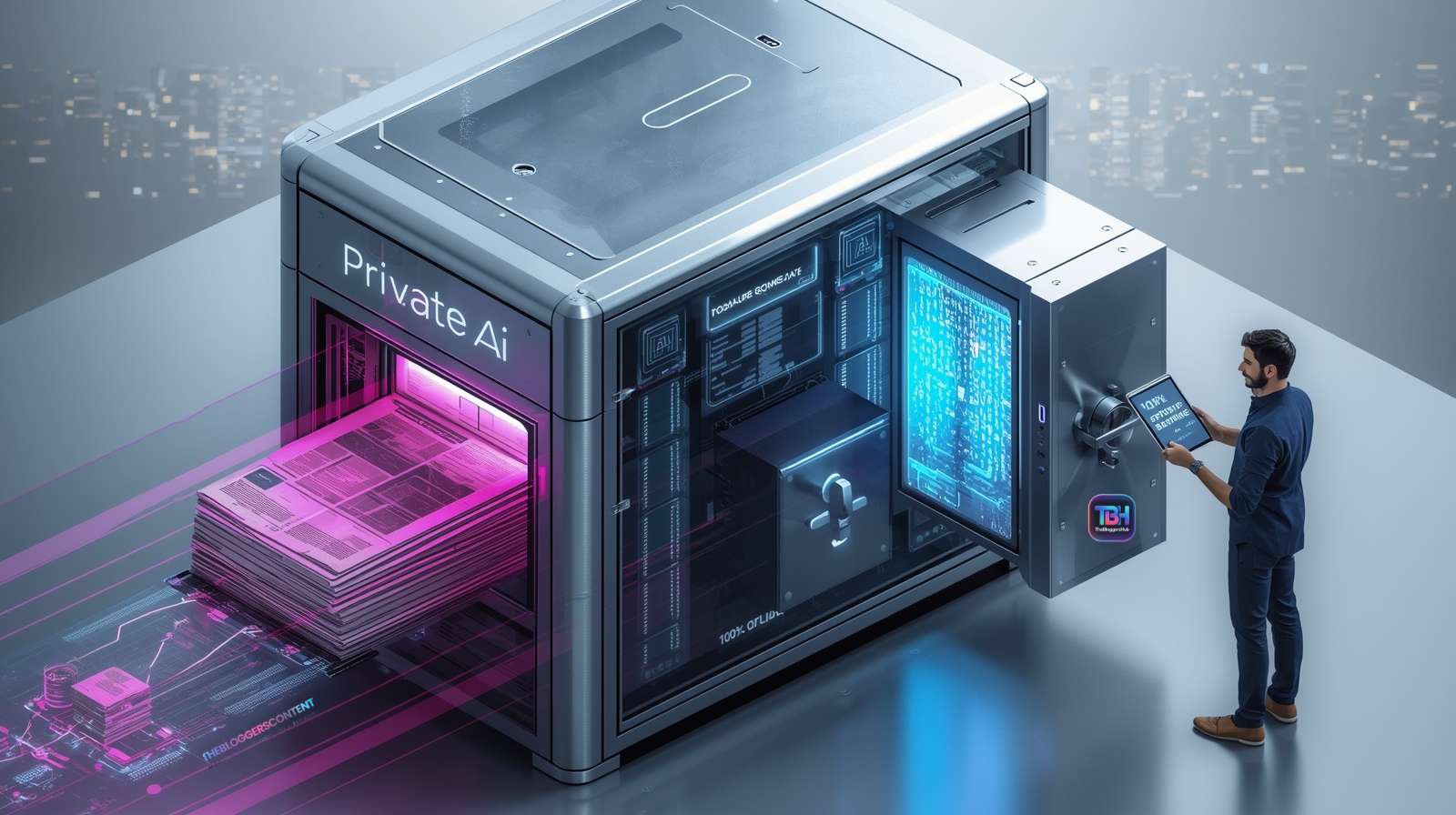
Beyond the Cloud: The Top 5 Open-Source AI Models for Business Privacy in 2026
In early 2026, the AI conversation has moved past "What can it do?" to "Where is it living?" For most small businesses, online AI platforms are incredible partners. They offer speed, cutting-edge updates, and ease of use. However, for companies handling high-stakes intellectual property, medical records, or strict legal NDAs, the "cloud" can feel like a room with too many windows. Local AI—running directly on your own hardware—has matured into a professional powerhouse. This guide explores the elite models of 2026 and how you can reclaim your data sovereignty without losing the "magic" of modern artificial intelligence.
The ultimate luxury in a data-driven world isn't just intelligence; it's intelligence without an audience. In 2026, privacy is no longer a feature—it is the foundation.
The "Privacy Harmony" Approach: Choosing the Right Tool
We aren't here to say online AIs are the villains. In fact, ChatGPT and Claude remain the world leaders in general creativity. But for specific business needs, a "Local-First" approach provides a layer of armor that cloud tools simply cannot match.
Why Businesses are Adding Local AI to their Toolkit:
- Absolute Confidentiality: Since the AI "Brain" lives on your hard drive, your data never crosses the internet. No leaks, no logs, no external training on your secrets.
- Operational Resilience: Your AI works in "Airplane Mode." If your internet goes down or a cloud provider has an outage, your business keeps moving.
- Zero Subscription Scaling: Once you own the hardware, you can generate a million tokens or a billion—it costs you $0 extra.
- Compliance Ready: Perfect for businesses that must follow the 2025 Global Data Sovereignty Act or strict industry-specific privacy rules.
The Elite 5: Open-Source Models Defining 2026
These aren't experiments; these are the workhorses used by top-tier agencies and firms this year.
1. Llama 4 Scout (The Long-Memory Champion)
Released by Meta as the professional successor to Llama 3, the "Scout" model is built for depth. It specializes in what we call "Massive Context."
- The 10M Window: It can hold roughly 10 million tokens in active memory. You can drop 50 legal contracts into one chat, and it won't forget a single clause.
- Business Use Case: Analyzing an entire year's worth of client feedback and project notes to find recurring pain points.
- Hardware: Best on Mac M4/M5 systems or PCs with 32GB+ RAM.
2. DeepSeek-V3.2 (The "Logic" Specialist)
DeepSeek became a global sensation for its "Reasoning" capability. It doesn't just guess the next word; it plans its answer using a "Chain of Thought" before it replies.
- Step-by-Step Accuracy: Ideal for tasks where "close enough" isn't good enough. It checks its own math and logic.
- Business Use Case: Complex financial forecasting, tax-code interpretation, and debugging proprietary software code.
- Hardware: Requires an NVIDIA RTX 40 or 50 series GPU for optimal speed.
3. Mistral Large 3 (The Efficient Workhorse)
European-made and highly optimized, Mistral Large 3 uses a "Mixture of Experts" (MoE) system to provide world-class intelligence without overheating your laptop.
- Multilingual Mastery: It is widely considered the best open model for German, French, Spanish, and Italian business communication.
- Business Use Case: Drafting high-stakes international correspondence where tone and cultural nuance are critical.
- Hardware: Runs perfectly on high-end office workstations with 24GB+ RAM.
4. Qwen 3.5 (The "Perfect Intern")
Qwen 3.5 is the most "obedient" model of the year. If you give it a strict template, it follows it to the letter.
- Instruction Following: It has the lowest "hallucination rate" for data formatting.
- Business Use Case: Taking messy customer notes and turning them into perfectly formatted JSON or CSV files for your CRM.
- Hardware: Very accessible; runs smoothly on standard 16GB RAM business laptops.
5. Ministral 3 (The Visionary)
Privacy isn't just for text anymore. Ministral 3 is a "Multimodal" model, meaning it can "see" images and documents.
- Visual Privacy: It analyzes receipts, blueprints, and ID documents locally. No images are ever uploaded to a server.
- Business Use Case: HR teams screening sensitive employee resumes or scanned ID cards for onboarding.
- Hardware: Lightweight enough for mobile devices or 12GB RAM laptops.
The "Invisible" Workflow: Running AI Inside Your Other Apps
The most powerful way to use Local AI in 2026 is by turning on a "Local Server" (found in LM Studio or Ollama). This allows your private AI to act as a "Brain" for your existing tools.
How to Use Local AI Without Leaving Your Desk:
- Inside Microsoft Word: Using add-ins like LocPilot or Office-OSS, you can connect Word directly to your local AI. Highlight a paragraph, and the AI expands it right there on the page.
- In Your Email (Outlook/Gmail): You can set up "Global Hotkeys" (using Jan.ai). Highlight a sensitive email, hit Alt + Space, and let the AI draft a reply while staying 100% offline.
- Spreadsheet Power: Connect your local DeepSeek model to Excel via API to analyze thousands of rows of financial data without that data ever hitting a cloud server.
- Auto-Sorting Files: Point your AI at a specific "Watch Folder" on your computer. Whenever you drop a PDF there, the AI reads it, renames it, and files it into the correct client folder.
- Auto-Sorting Files: Point your AI at a specific "Watch Folder" on your computer. Whenever you drop a PDF there, the AI reads it, renames it, and files it into the correct client folder.
Is Your Business Ready? A Hardware Checklist
Since your computer is doing the "thinking," you need to ensure it has the necessary muscle. Here is what we recommend in 2026:
- Entry Level (Qwen 3.5 / Ministral): 16GB RAM. Perfect for MacBooks and standard Windows laptops.
- Professional Level (Llama 4 Scout): 32GB RAM. Recommended for power users and agency owners.
- Expert Level (DeepSeek / Mistral Large): 64GB+ RAM or a 16GB VRAM Graphics Card. For heavy data analysis and coding.
Final Thoughts: Ownership is the Future
The shift toward local AI isn't about being "against" the cloud; it's about being "for" your data. In 2026, the most successful small businesses are those that use a hybrid approach—relying on the cloud for general creativity, but keeping their most sensitive, proprietary work locked in a "Digital Vault" powered by local AI. Ready to start? Download LM Studio today and try the Llama 4 Scout model. Your data will thank you.
Helpful Resources for Your Privacy Journey:
LM Studio Official Site - The easiest way to start on Windows/Mac.
Ollama for Developers - For background integrations.
Hugging Face Leaderboard - See the current top-ranked private models.
Frequently Asked Questions: Local AI for Business
1. Is local AI "safer" than ChatGPT or Claude?
In 2026, we don't use the word "safer" to mean cloud AI is broken. Online tools are highly secure. However, local AI is "Sovereign." When you use a local model, there is zero data transmission. For businesses in regulated industries like law, healthcare, or finance, local AI removes the "middleman" entirely. You don't have to trust a third-party’s privacy policy because your data never reaches their servers.
2. Can I run these models on a regular office laptop?
Yes, but with a caveat. While a standard laptop can run "Small Language Models" (like Qwen 3.5 or Ministral 3), you will need at least 16GB of RAM for a smooth experience. If you try to run massive models like Llama 4 Scout on an old machine, it will be painfully slow. For most small businesses, the "sweet spot" is a modern MacBook (M2/M3/M4) or a PC with an NVIDIA RTX card.
3. Does local AI require an internet connection?
Once the model is downloaded to your machine, no internet is required. This is one of the biggest draws for businesses in 2026. You can analyze documents on a plane, in a remote area, or during a local ISP outage. Your "Company Brain" stays online even when the world goes offline.
4. How much does it cost to run AI locally?
- Upfront Cost: You may need to invest in a better laptop or a GPU (ranging from $800 to $3,000).
- Subscription Cost: $0. Unlike cloud AI, which costs $20–$30 per user every month, local AI is free to use once installed.
- Energy Cost: Very minimal. Modern 2026 models are "Sparse," meaning they use less power than a typical video game.
5. Will local AI be as "smart" as the latest online models?
Generally, the biggest online "Frontier" models (like GPT-5 or Claude 4) will always have a slight edge in raw general knowledge because they run on massive supercomputer clusters. However, for specific business tasks—like summarizing your own internal PDF folders or drafting emails in your company voice—a local model like DeepSeek-V3.2 is often just as effective, and significantly faster since there is no network lag.
6. Can my employees use it without being "tech-savvy"?
Absolutely. Tools like LM Studio and Jan.ai have created "one-click" installers. Once the software is set up by an admin, the employee just sees a chat box that looks exactly like ChatGPT. If you integrate it into their apps (like Word or Outlook), they don't even have to open a new window; the AI just becomes a new button in their existing workflow.